
Business Continuity and Disaster Recovery.
Is your business-critical data safe from cyber-attacks? How fast can your business recover if a malicious actor deletes most of your data?
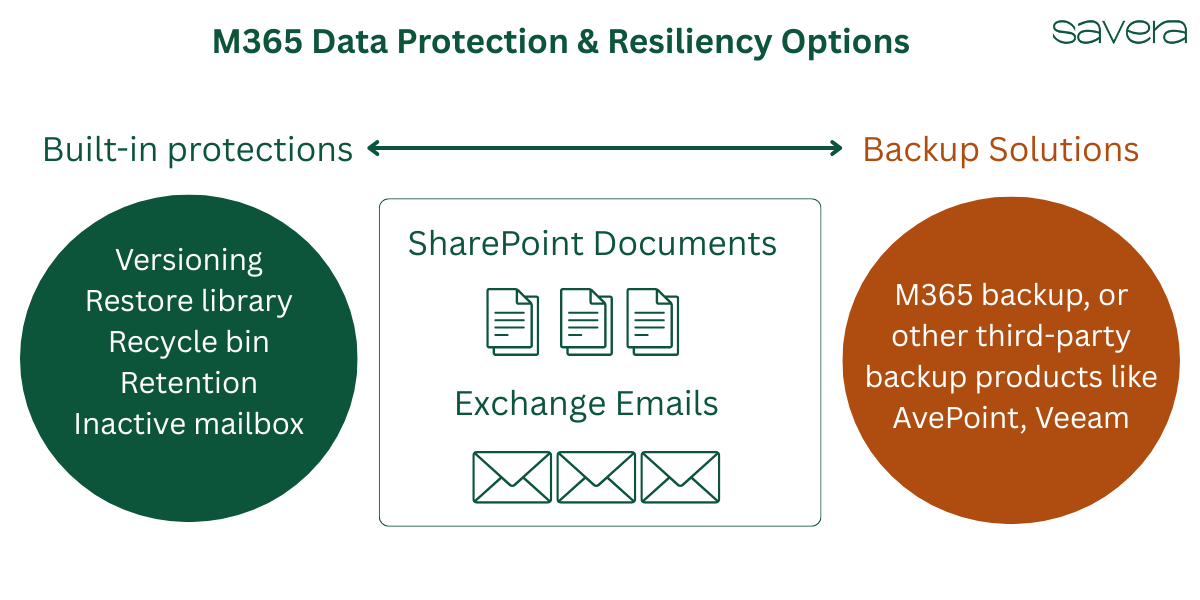
M365 built-in data protection
Microsoft 365 has many built-in features to protect data held in SharePoint documents and Exchange emails against accidental or malicious actions. Some protections are enabled by default, whereas others require careful thought and configuration. Examples include SharePoint document versioning, restoring an entire library, recycle bins, and retention policies.
However, none of these features are designed to recover from disasters such as ransomware, large-scale data corruption, or data deletion. Check out our blog “To Backup or Not to Backup” for a complete analysis.
Plenty of backup solutions are available today.
M365 backup
Microsoft's backup solution promises ultra-fast backup and restore times and offers consumption-based billing, meaning you pay for the storage you consume.
Third-party backup
AvePoint Cloud Backup and Veeam are two other popular backup options. Both offer a per-user, unlimited-storage pricing model, meaning you pay for the number of users, not the amount of storage consumed.
Our recommendation
First and foremost, ensure you are utilising all M3655 built-in protection features. The next step is to conduct a risk assessment and decide whether your business requires a backup solution. If risk assessment indicates catastrophic business failure in the event of critical data loss, then backup makes sense.
SAVERA has deployed backup solutions for large New Zealand government agencies and can work with you to select the best product. The product that meets the data protection objectives while keeping costs low.